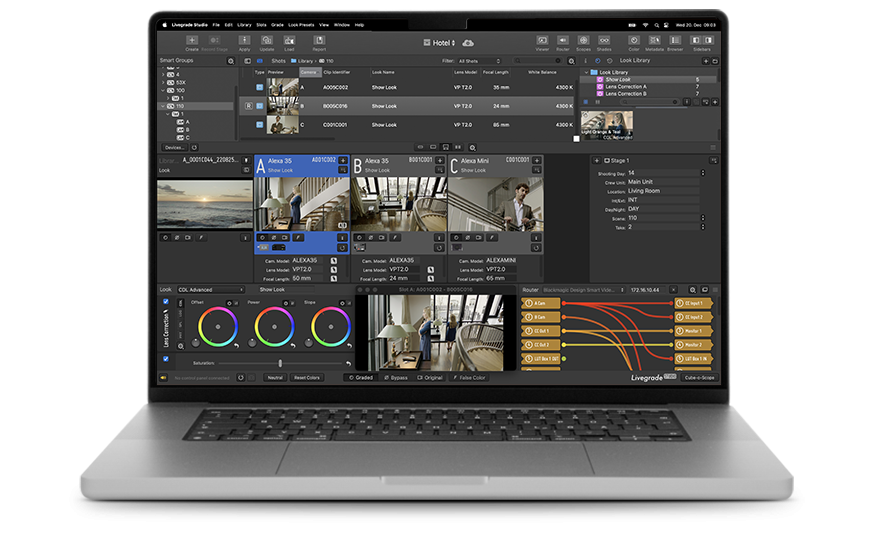

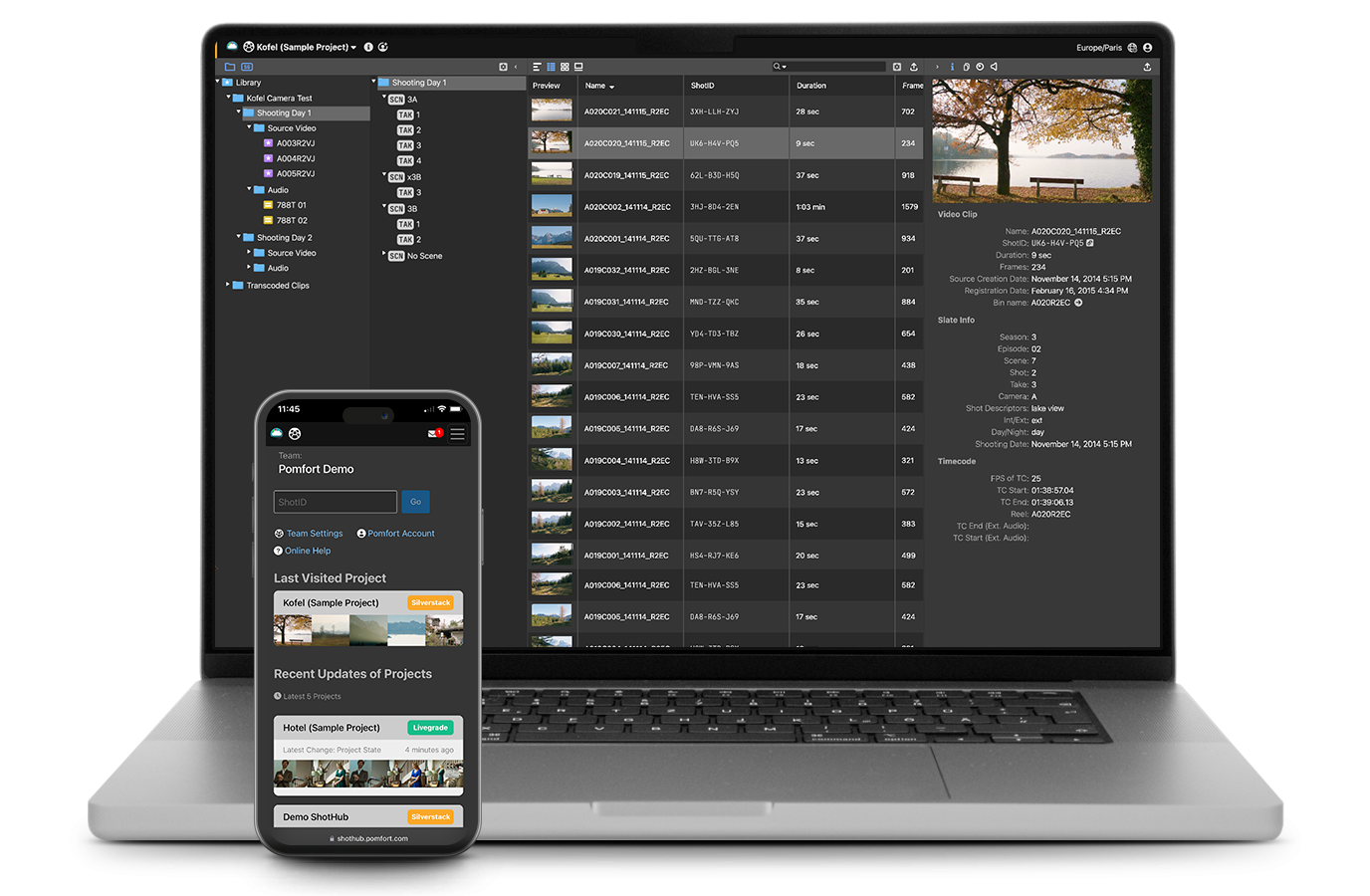
In the big picture of filmmaking, capturing the perfect story is only half the battle. The other half is effectively transporting all decisions and metadata from set to post. In this article, CEO Jordan Maltby shares how his company, Shadow…

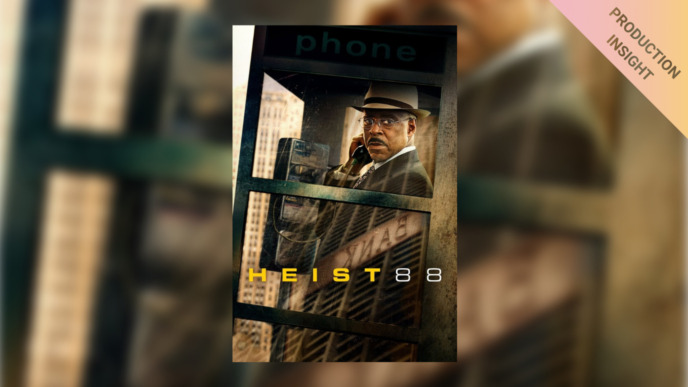
‘Heist 88’ is a film about a real heist that happened in Chicago back in 1988. In this article, DIT Henrikas Genutis takes us behind the scenes and offers exclusive insight into how he used the entire Pomfort camera department ecosystem as a communication tool to align the two post houses, and the crew on set with the DP’s creative intent.
Keep reading




您希望直接访问我们的中文官网吗?
不,我希望留在英文官网
Do you want to see our Chinese website instead of the international English website?
No, I would like to stay on the English website
Yes, take me to the Chinese website
日本からアクセスしているようです。Pomfortの日本版ウェブサイトをご利用いただけます。
アクセスしない
Do you want to see our Japanese website instead of the international English website?
No, I would like to stay on the English website
Yes, take me to the Japanese website