

Working with Video Clips in Silverstack
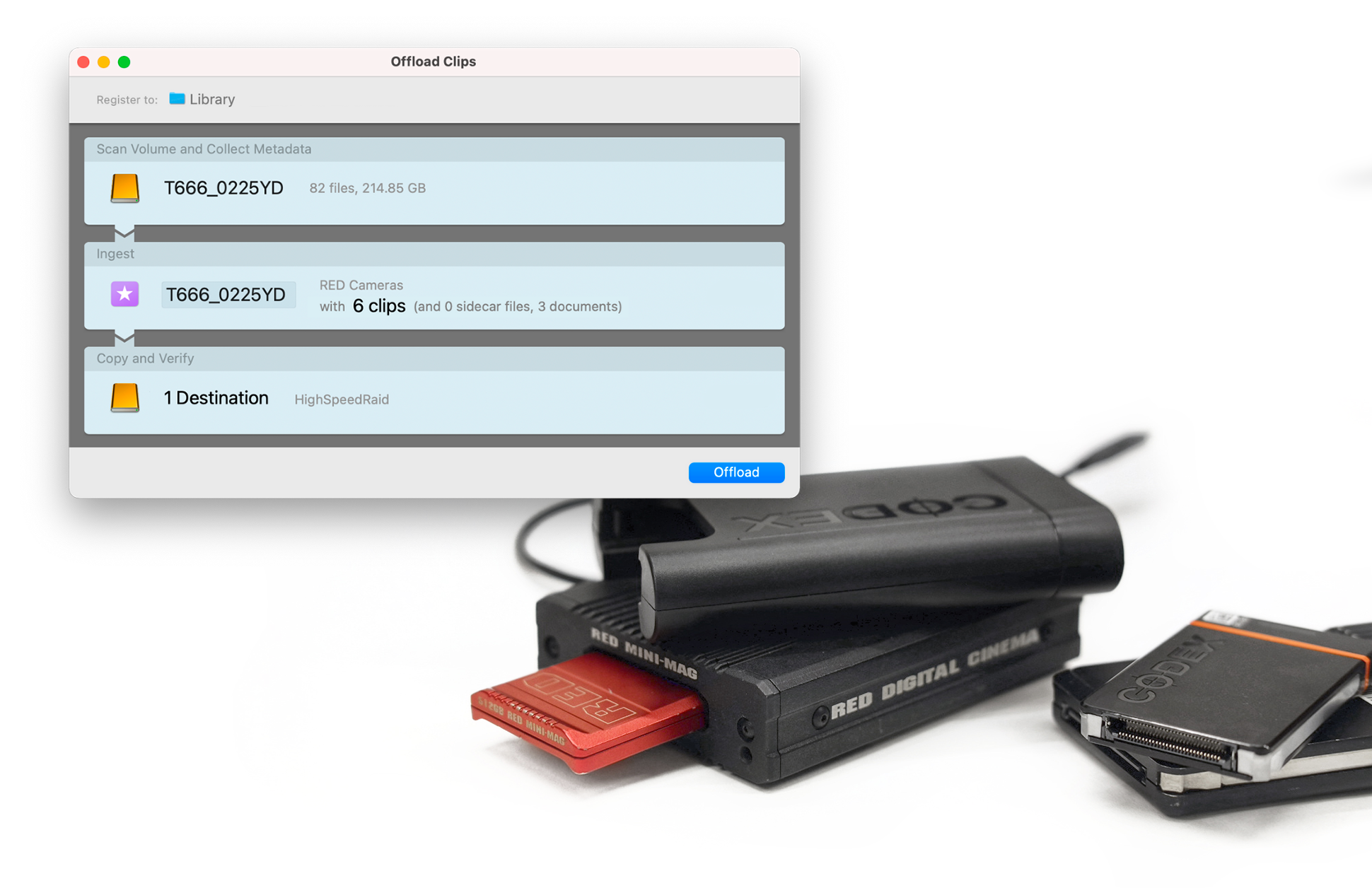
When starting a secure copy process of clips with Silverstack, you first ingest the video…
Read more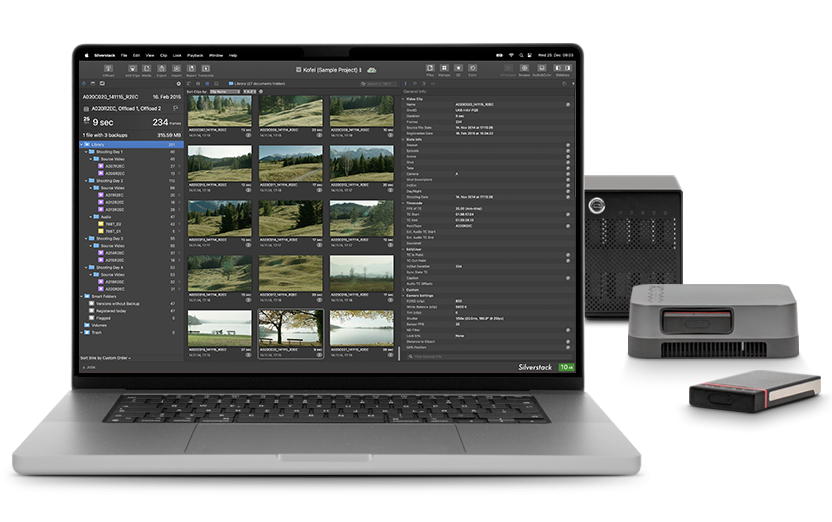
In professional film productions, Silverstack XT is the industry-standard software for secure camera backups and structured media asset management.
Stay on top of all data management tasks even when shooting runs into turbulence. Silverstack XT assists you with a well-structured layout and high performance speed to handle multiple jobs in parallel and accomplish tasks efficiently.
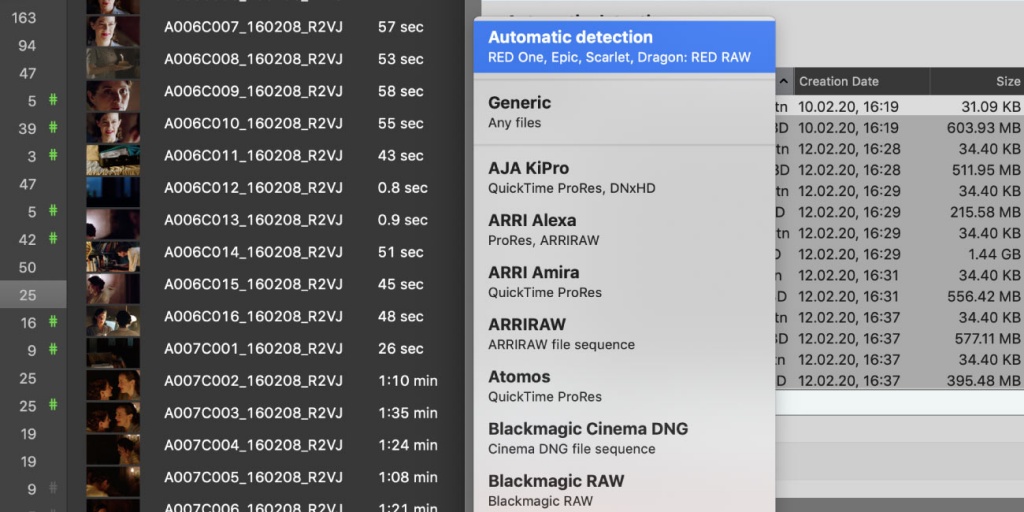
RAW, 8K, or compressed— Silverstack XT offers support for all major camera formats. As a staple of your setup, rest assured knowing that your software can handle the camera no matter what, giving you the freedom to focus on important workflow decisions when preparing for your next project.
Handling production data requires a high level of responsibility as well as specialized skills and tools. Silverstack XT is specifically designed for Digital Imaging Technicians and their needs on set.
Silverstack XT copies material using common and up-to-date checksum methods, ensuring that footage is offloaded from cameras and backed up to multiple destinations in a highly secure way. With Silverstack XT's cascading copy function, you are even able to back up your footage to the fastest medium first before a second copy process is automatically started to the remaining drives - all while the same level of safety is retained.
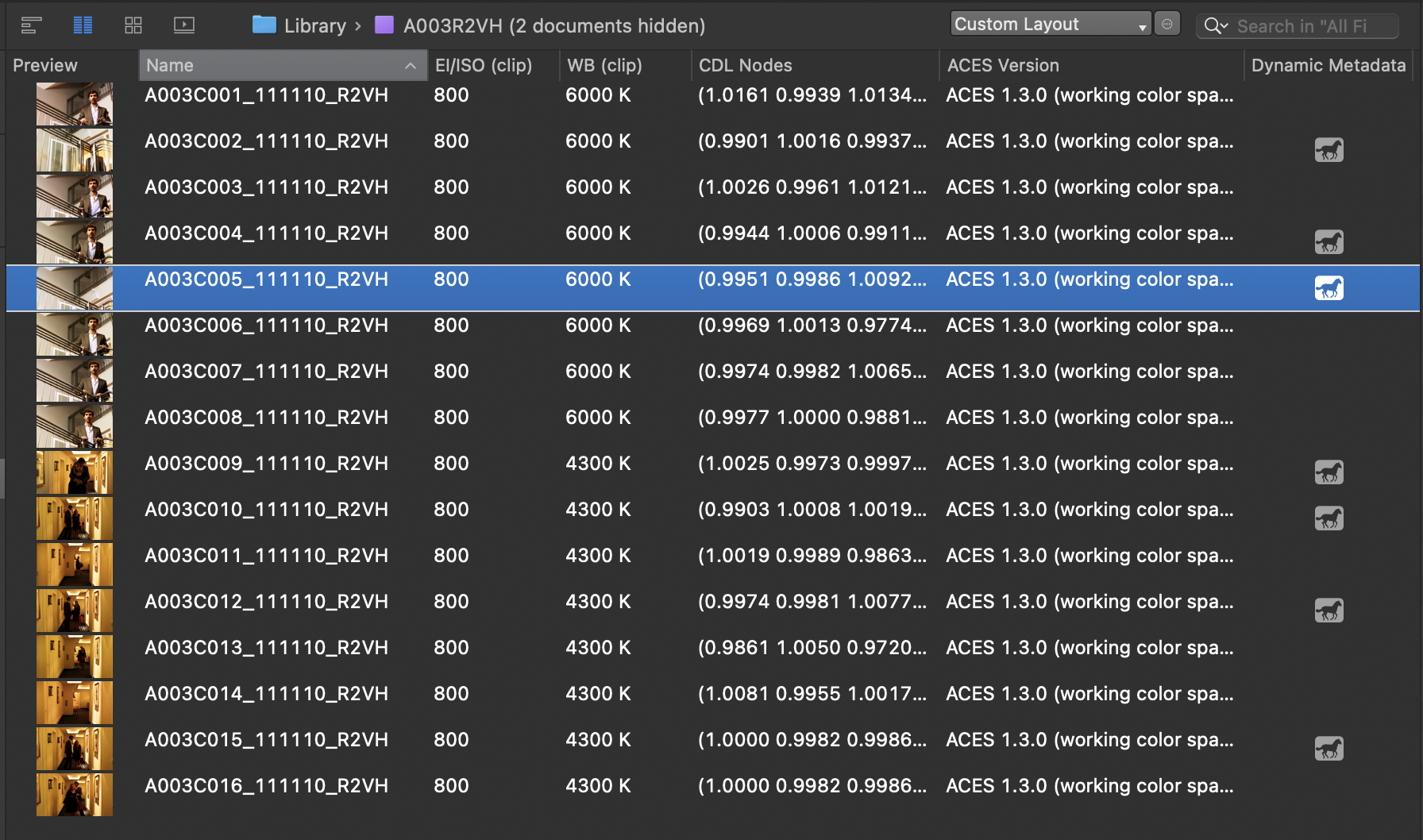
Silverstack XT automatically stores and structures all offloaded and ingested data in its comprehensive clip library. This library is the solid foundation for a clearly arranged and transparent data management workflow. Having all digital assets organized in one place makes it easy to find, trace, and mobilize all required clip, audio, and look information.
From reviewing specific clip details to browsing through dynamic metadata across clips, managing overall project data, or handling more complex demands, such as merging separate libraries of a project into one, Silverstack XT provides for all of it.
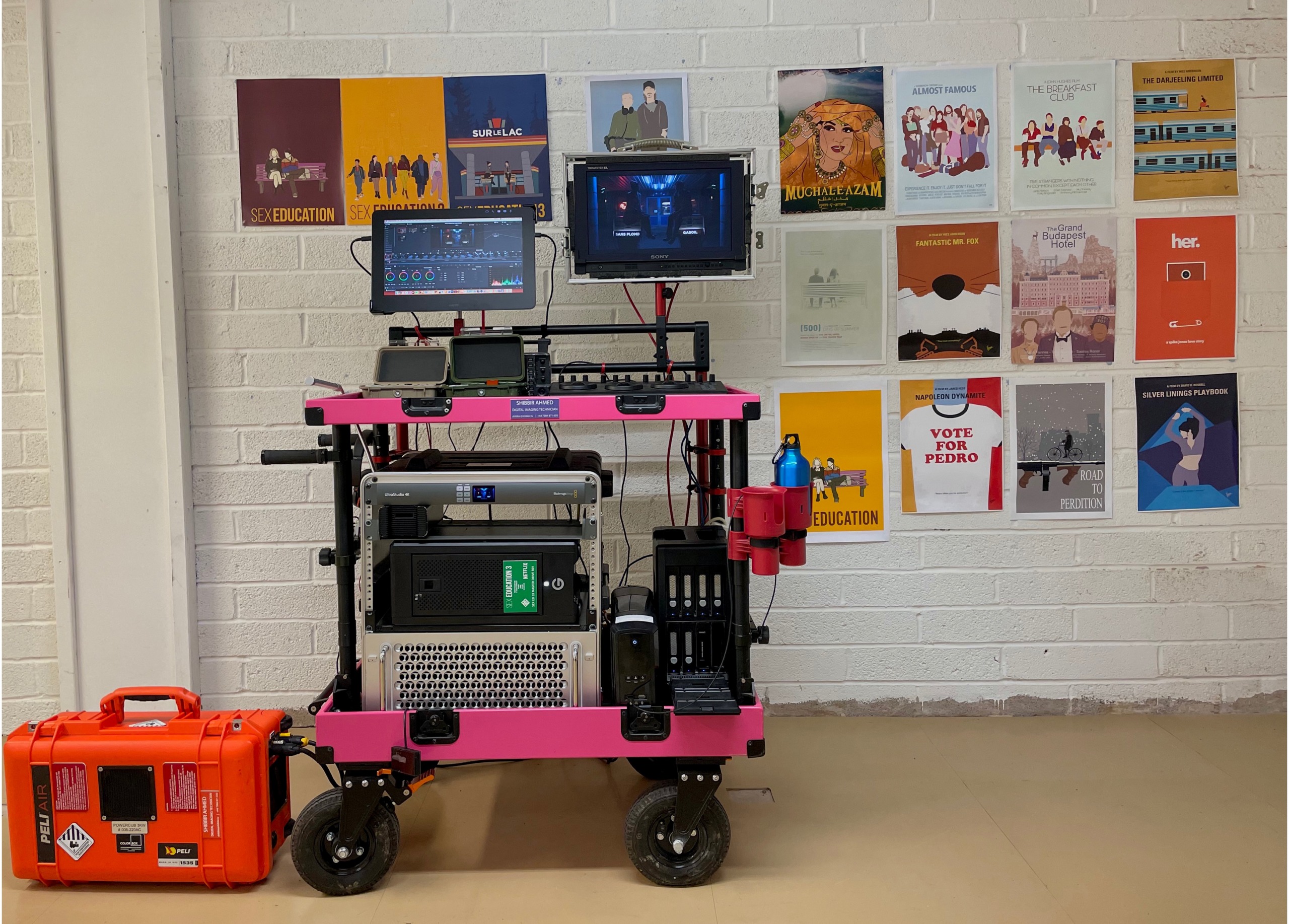
I love the various DIT reports options available in Silverstack XT; it allowed me to create detailed reports tailored for the production, assistant editors, and post-production teams respectively.Read whole story
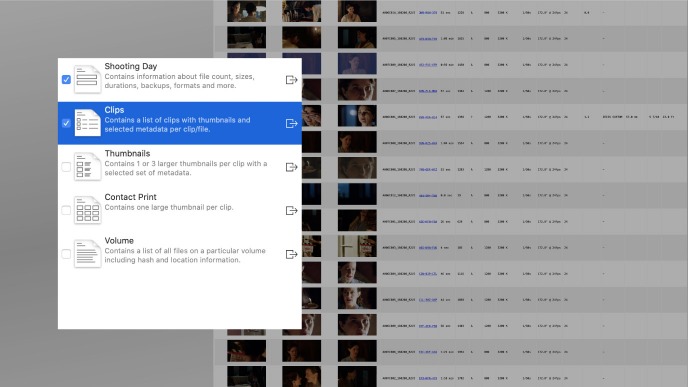
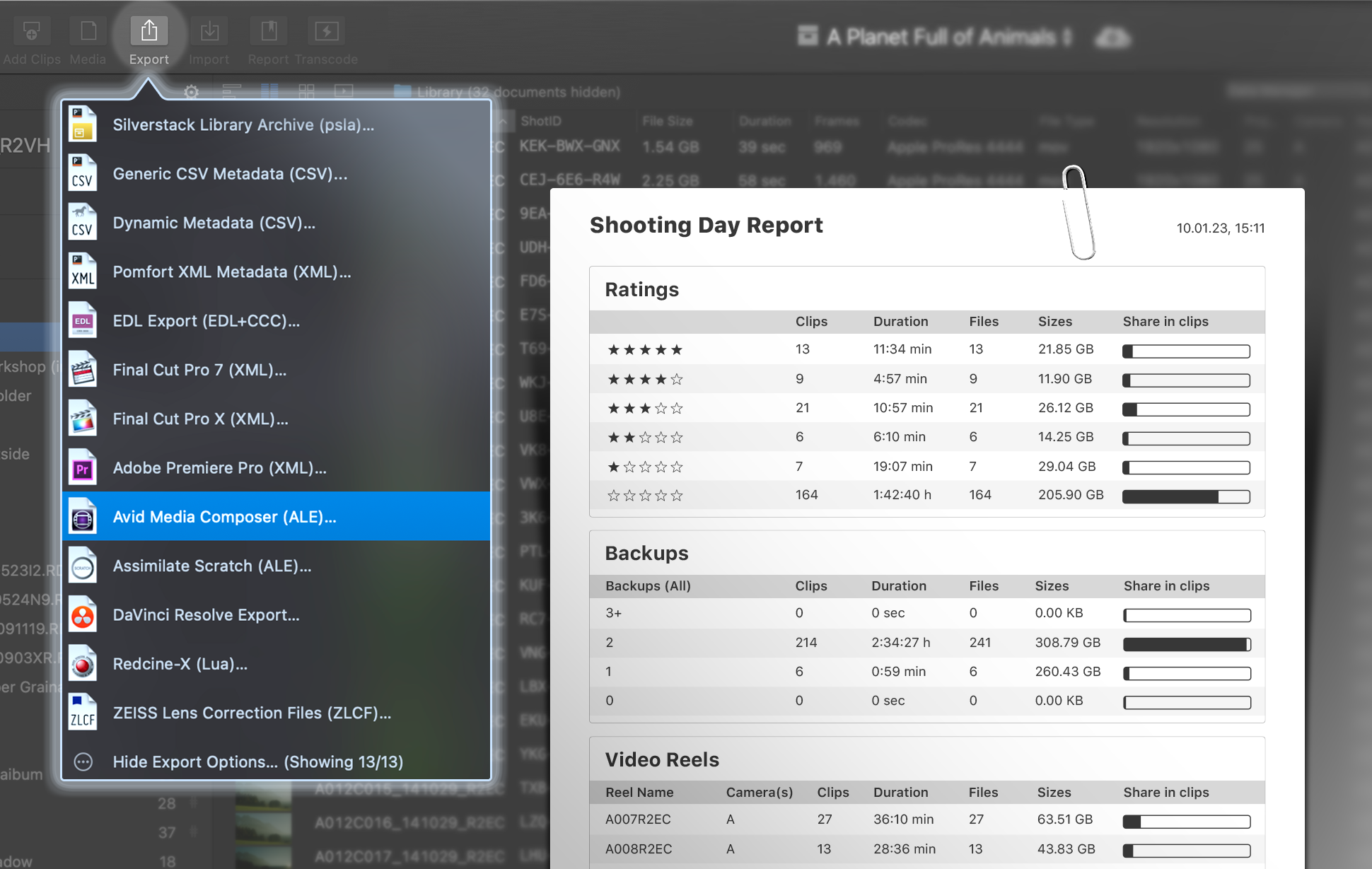
Silverstack XT comes with many professional report templates, allowing you to properly document and share your day’s work. This entails Shooting Day reports, Clips reports, Thumbnail reports, and Volume reports. With extensive customizability, they can be easily tailored to the specific requirements of your current production. Moreover, Silverstack XT seamlessly integrates with all common editing applications (e.g., DaVinci Resolve, AVID Media Composer, and Adobe Premiere), enabling a smooth transfer of assets for further review and processing.
Silverstack XT helps you to contribute to subsequent production steps in many ways, from exporting reports designed to be human-readable to generating specific transfer formats like an ALE file for Avid Media Composer directly from your desktop application.


Working with multiple units? Sync each unit’s local Silverstack XT clip library via Pomfort’s cloud service ShotHub to drastically accelerate your data handling.
Multiple Silverstack XT units can offload and perform jobs in parallel, while all connected libraries get updated automatically, bi-directionally, and in real-time. The result: Seamless collaboration and complete data transparency across locations.
See More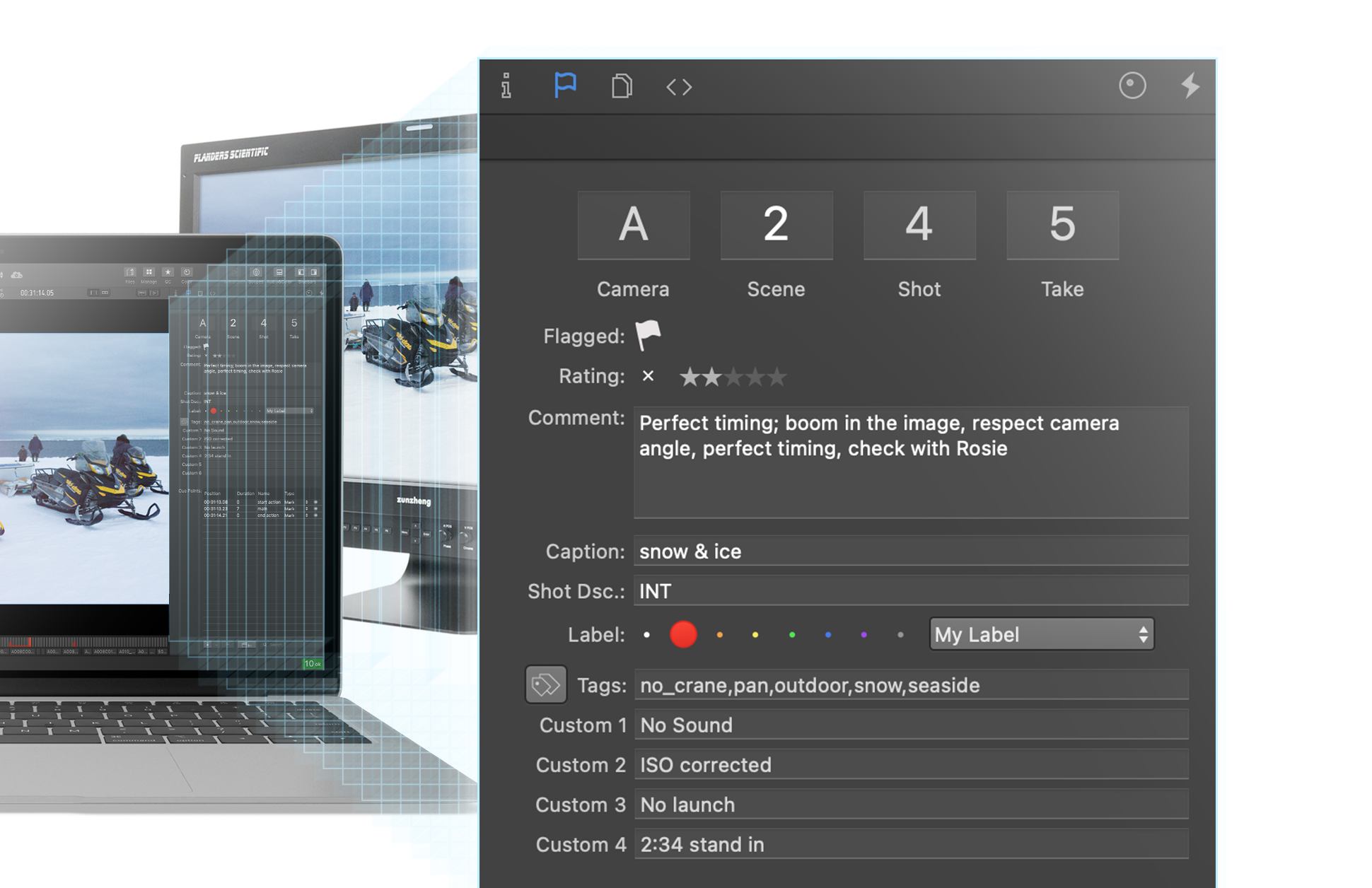
Silverstack XT lets you spot image errors directly on set, which prevents costly surprises in post-production. You can play back your clips natively in different resolutions (including high-res playback on SDI monitors) and use common JKL controls to scrub through your clips. With Silverstack XT’s visual controls, you can further check clipping, focus, and exposure. For proper documentation, simply annotate your QC findings in your library, so all clip information stays in one place.
Silverstack
Silverstack is the standard software for on-set data management in all kinds of professional film productions.
Silverstack XT
Silverstack XT extends Silverstack with an advanced feature set, including support for additional formats, HD-SDI output, and more.